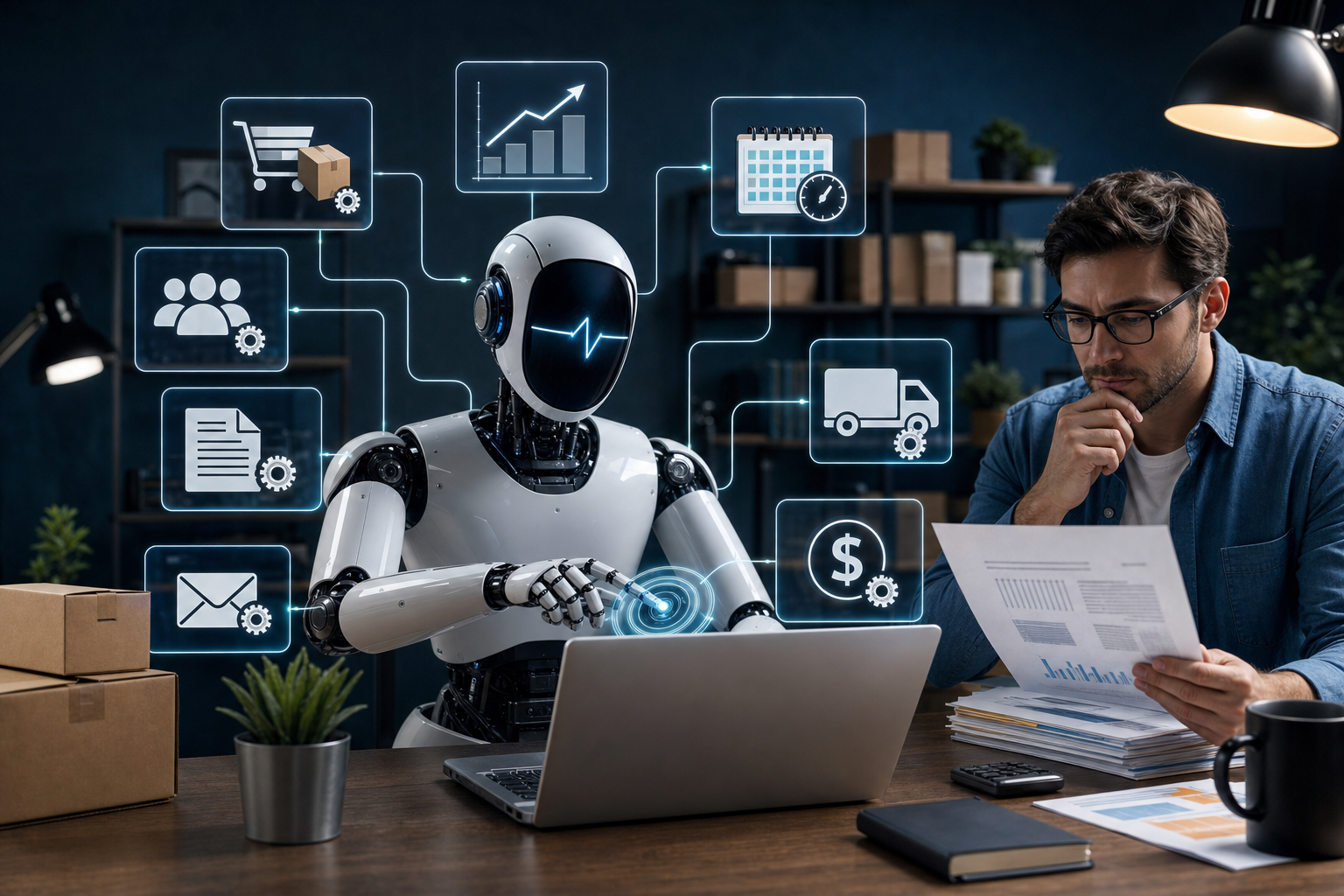
Small business owners often struggle with repetitive and complex administrative tasks such as managing emails, tracking invoices, and researching competitors. These tasks consume valuable time and divert focus from core business activities. Automating such workflows is challenging when apps lack direct integrations or connectors. Grok Bot, an AI agent platform by SpaceX Super Intelligence, offers a solution by enabling small businesses to create autonomous AI agents that collaborate, persist context, and execute multi-step tasks across web interfaces and apps.
Key takeaway: Grok Bot transforms AI interaction from isolated chatbot sessions into a team of specialized AI agents working continuously in the cloud. Each agent retains memory and context, communicates with other agents, and automates workflows on websites or apps—even those without native integrations—freeing small business owners from tedious administrative duties.
Understanding Grok Bot’s AI Agent Model
Unlike traditional chatbots that start fresh with every session, Grok Bot lets you create multiple AI agents, each with a specific role, name, and context. These agents share a persistent cloud-based virtual computer equipped with a browser, file system, and terminal, allowing them to perform complex tasks such as data research, email triage, or invoice collection. The agents communicate with each other to hand off tasks, collaborate in group chats, and operate independently even when your device is offline.
How Grok Bot Automates Workflows Without Native Integrations
Many small business apps do not offer direct API integrations, making automation difficult. Grok Bot overcomes this by using its virtual computer to interact with real websites and apps just like a human would—navigating pages, filling forms, and extracting data. Additionally, Grok Bot supports connectors for popular apps like Gmail and Google Drive to streamline common tasks. For unsupported apps, the virtual computer acts as a fallback, enabling automation through recorded workflows or scripted instructions.
Practical Use Cases for Small Businesses
- Inbox and Admin Management: Assign Bots to prioritize important emails, batch meetings, and monitor project updates, reducing distractions and improving focus.
- Invoice and Expense Tracking: Bots can scan emails and files to extract invoice data and compile it into organized spreadsheets, saving hours of manual sorting.
- Customer Support Triage: Bots analyze support tickets, reproduce issues, and recommend refunds or escalations to improve customer service efficiency.

Worked example (illustrative)
Scenario: A small online retail business wants to automate its email order processing and inventory update.
- Inputs: Incoming order confirmation emails in Gmail, inventory spreadsheet in Google Sheets.
- Workflow: An Inbox Manager Bot scans new emails for order confirmations, extracts order details, and sends them to an Inventory Bot. The Inventory Bot updates stock levels in the spreadsheet and alerts the owner if stock is low.
- Expected output: Orders are processed automatically with inventory updated in real-time, reducing manual data entry and errors.
- Exception: If the Bot encounters a CAPTCHA or payment confirmation step, it pauses and notifies the owner for manual intervention.
What to do next
Download the Grok Bot app for your platform (Windows, macOS, iOS, Android) from the official website and sign up for a free trial. Begin by creating your first AI agents aligned with your most repetitive tasks, such as email triage or invoice tracking. Use the virtual computer to record workflows or connect apps via available connectors. Experiment with multi-agent collaboration and set up routines to automate tasks on a schedule. Monitor bot activities via the mobile app to stay in control while freeing up your time.
Sources and editorial notes
This article is based on the detailed overview from Zapier’s blog post titled What is Grok Bot? It supports understanding Grok Bot’s AI agent architecture, use cases, pricing, and limitations. Examples and workflow suggestions are editorially created by AutoSmallBiz and are not derived from measured customer outcomes or hands-on testing.










Leave a Reply